From the first plan.
To the next personal best.
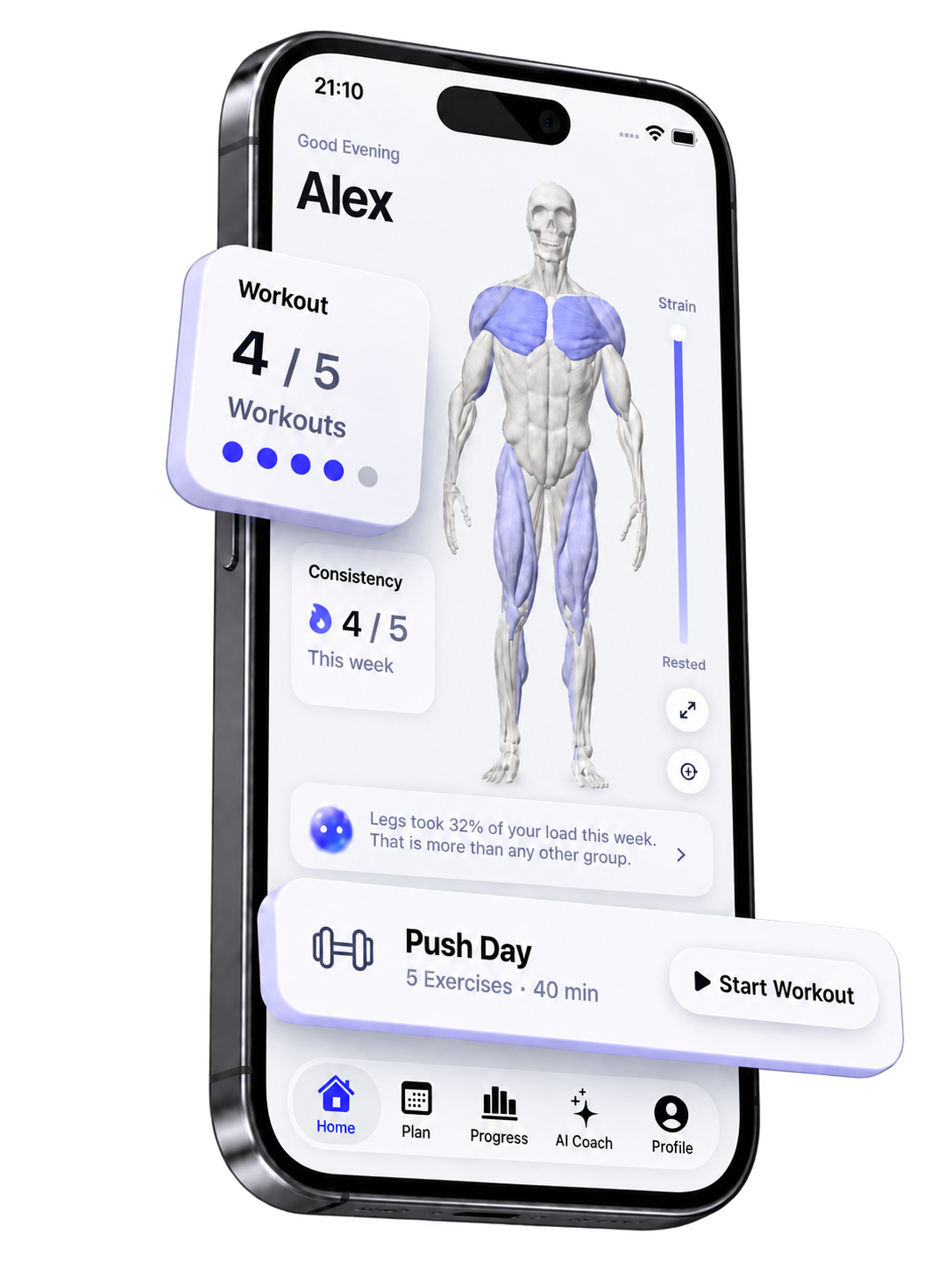
One place for the work before, during, and after your workout.
A good session
starts before
the first set.
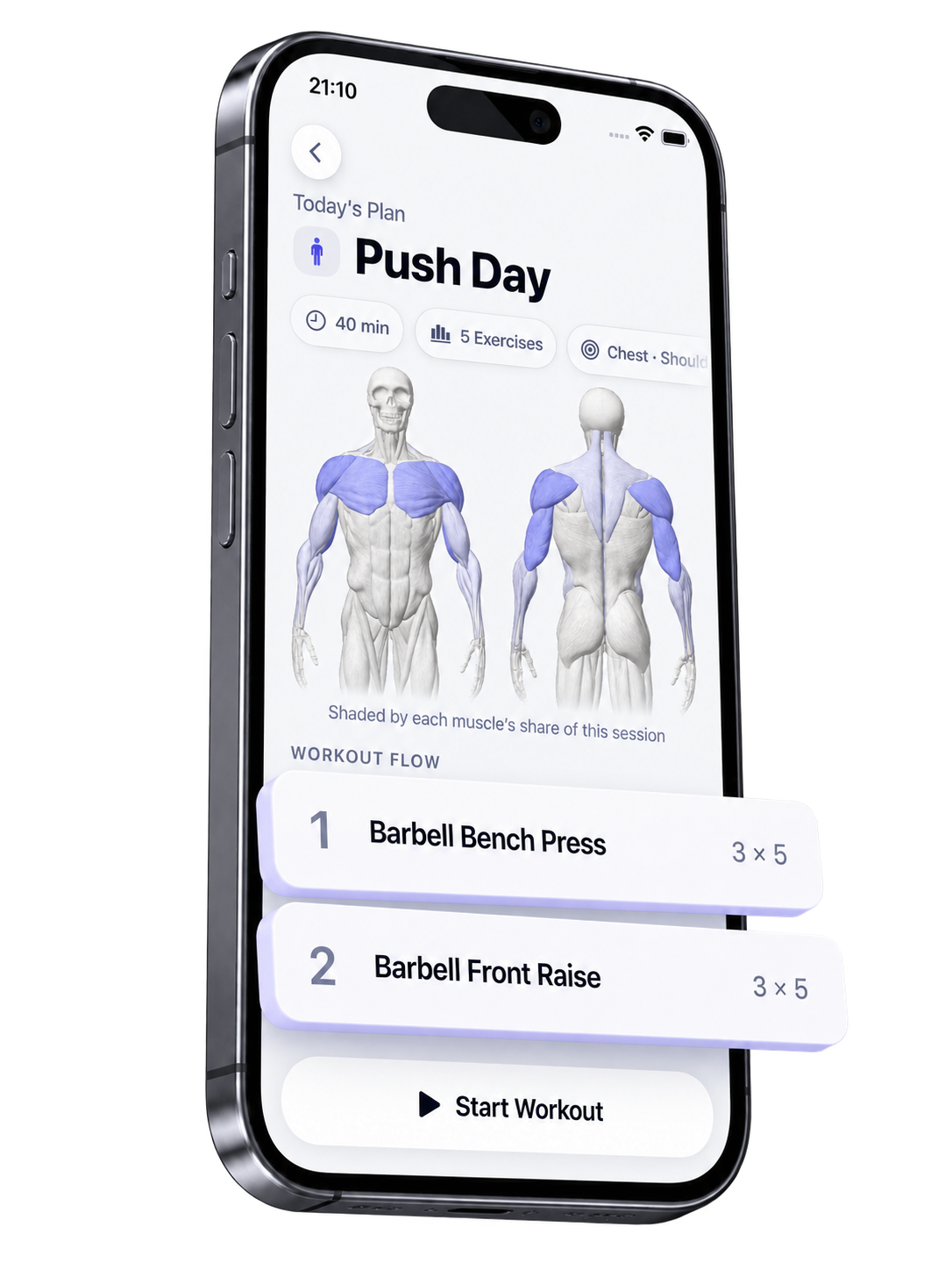
See what you’re training and how much you’ve planned. Walk in with your exercises, sets, and reps already together.
Your workout in one view
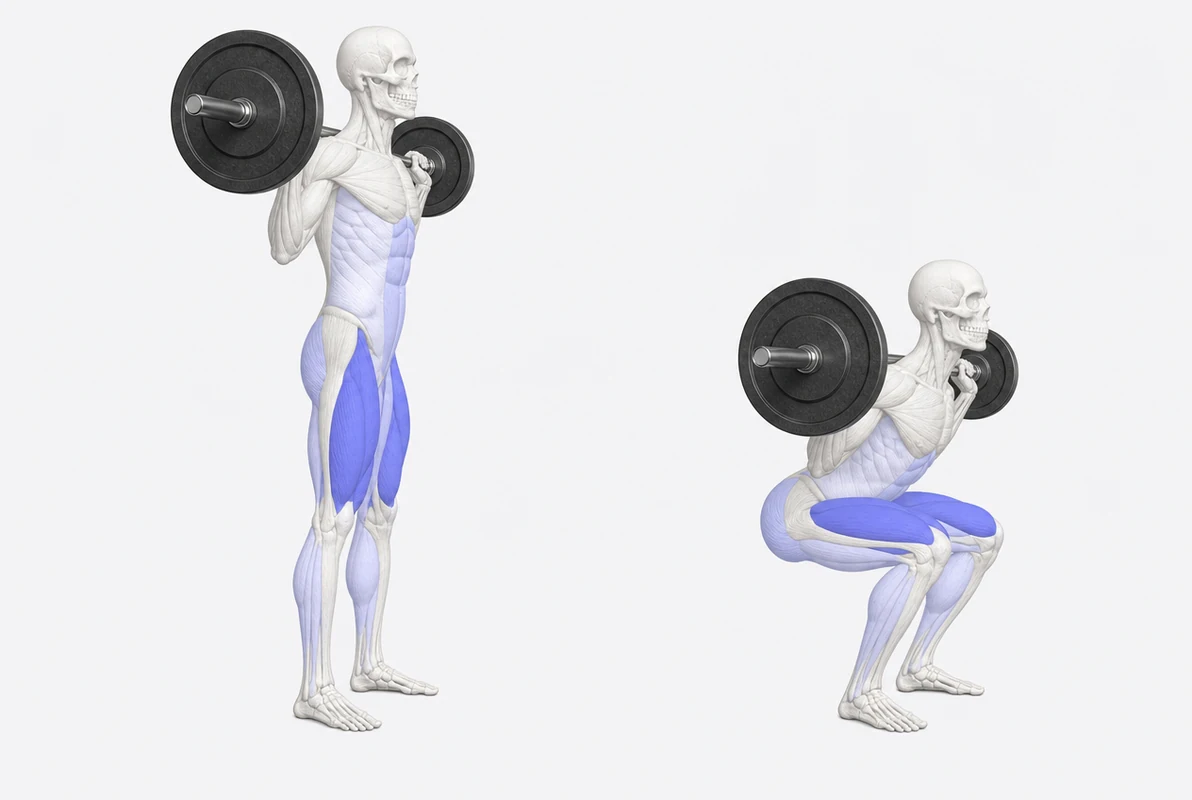
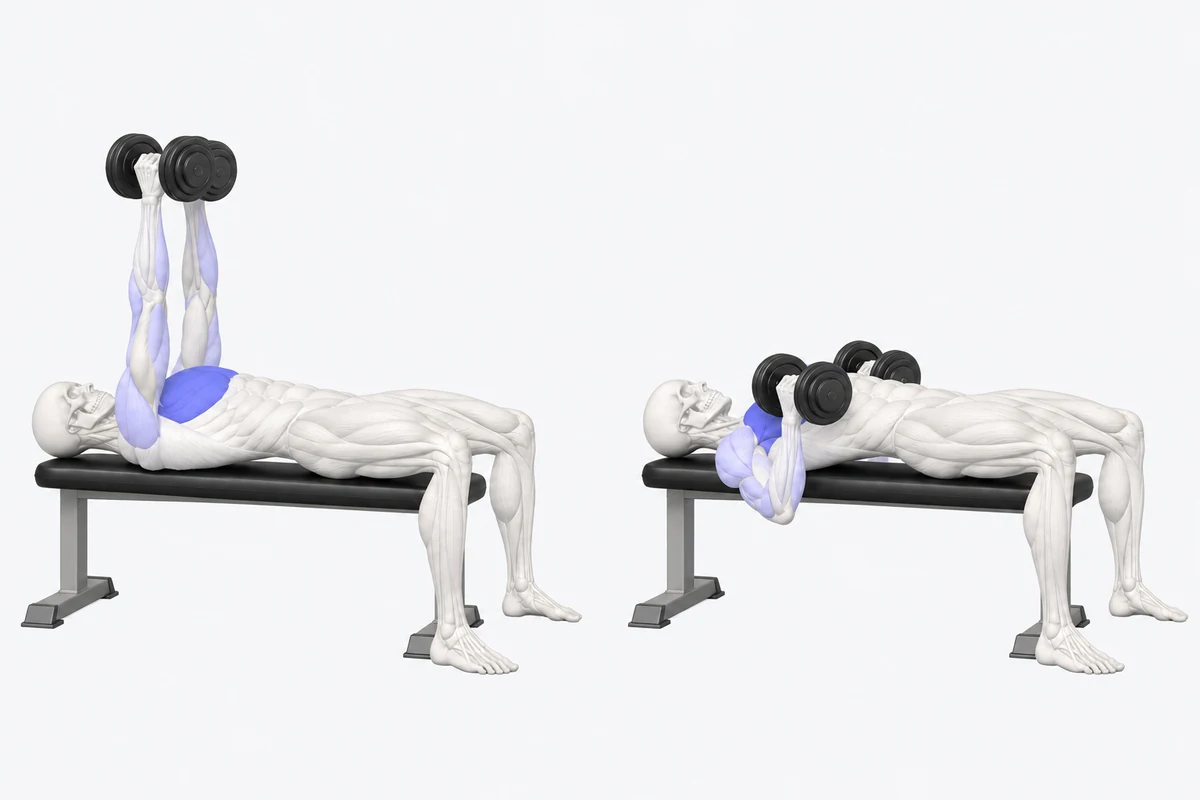
Exercises with visual references
Sets and reps, ready to follow
Put a picture
to the movement.
Explore a selection of exercise illustrations. Find a movement and open it for a closer look.
16 exercise illustrations
No matching exercises. Try another name or movement group.
In the moment.
In control.
The lift in front of you. Your previous set beside it. A logger that keeps the numbers close while you focus on the work.
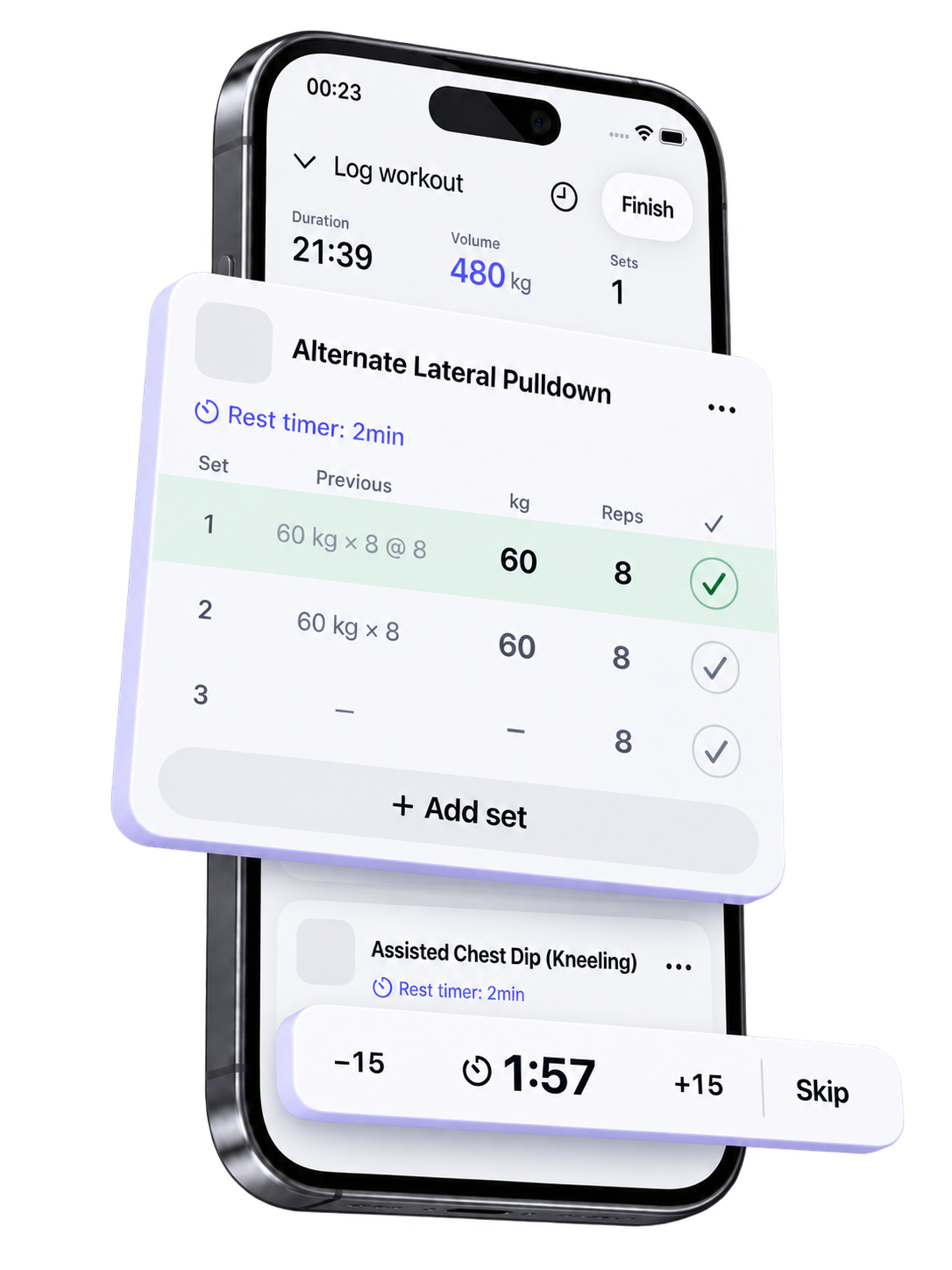
The numbers behind the lift.
A reference for what comes next.
Right where you need it.
Between sets.
Still in the flow.
Add a little time. Skip when you’re ready. Rest controls stay within reach of your workout.
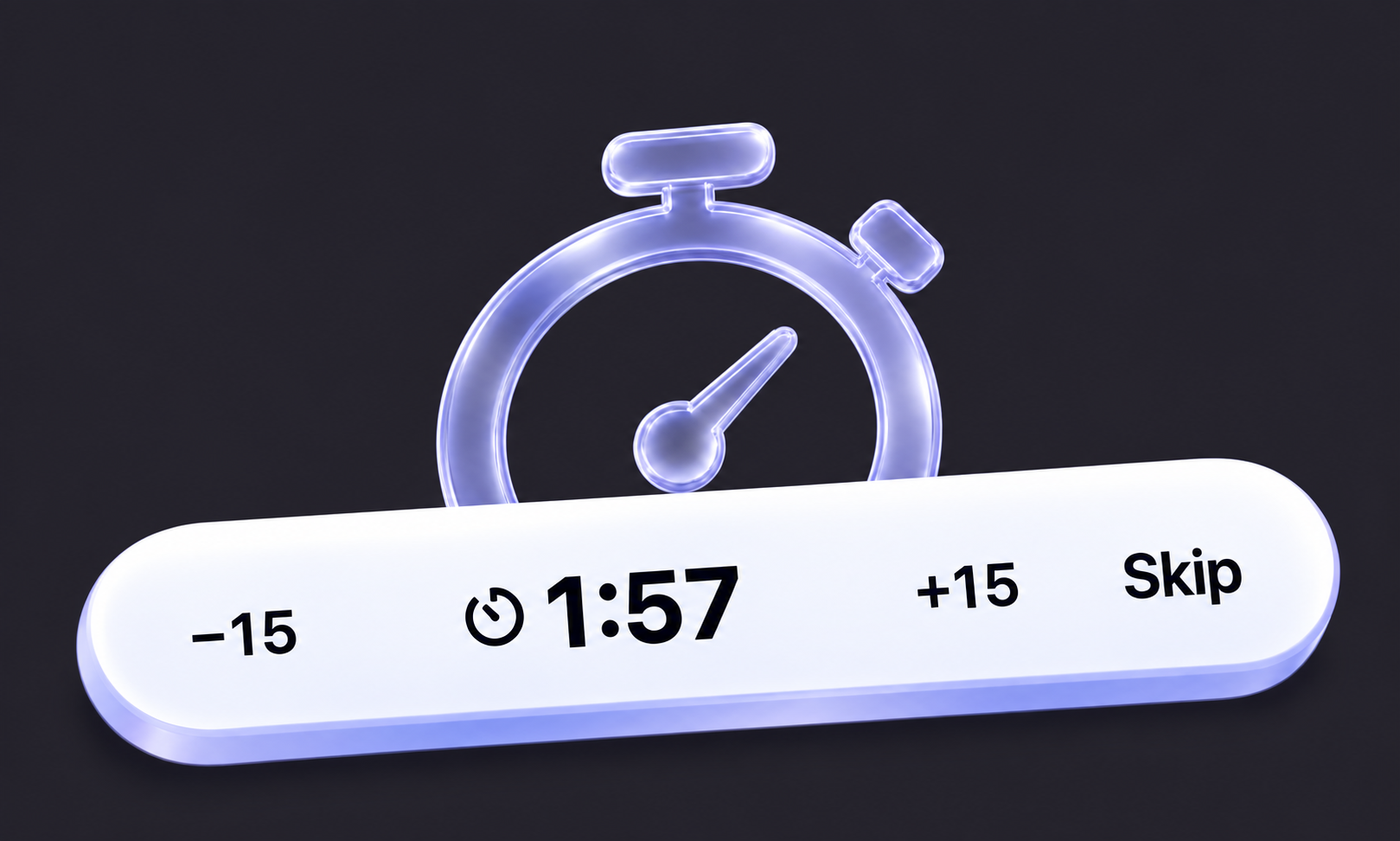
Small changes.
A stronger picture.
Look beyond one session. Follow an exercise over time and see your training in perspective.
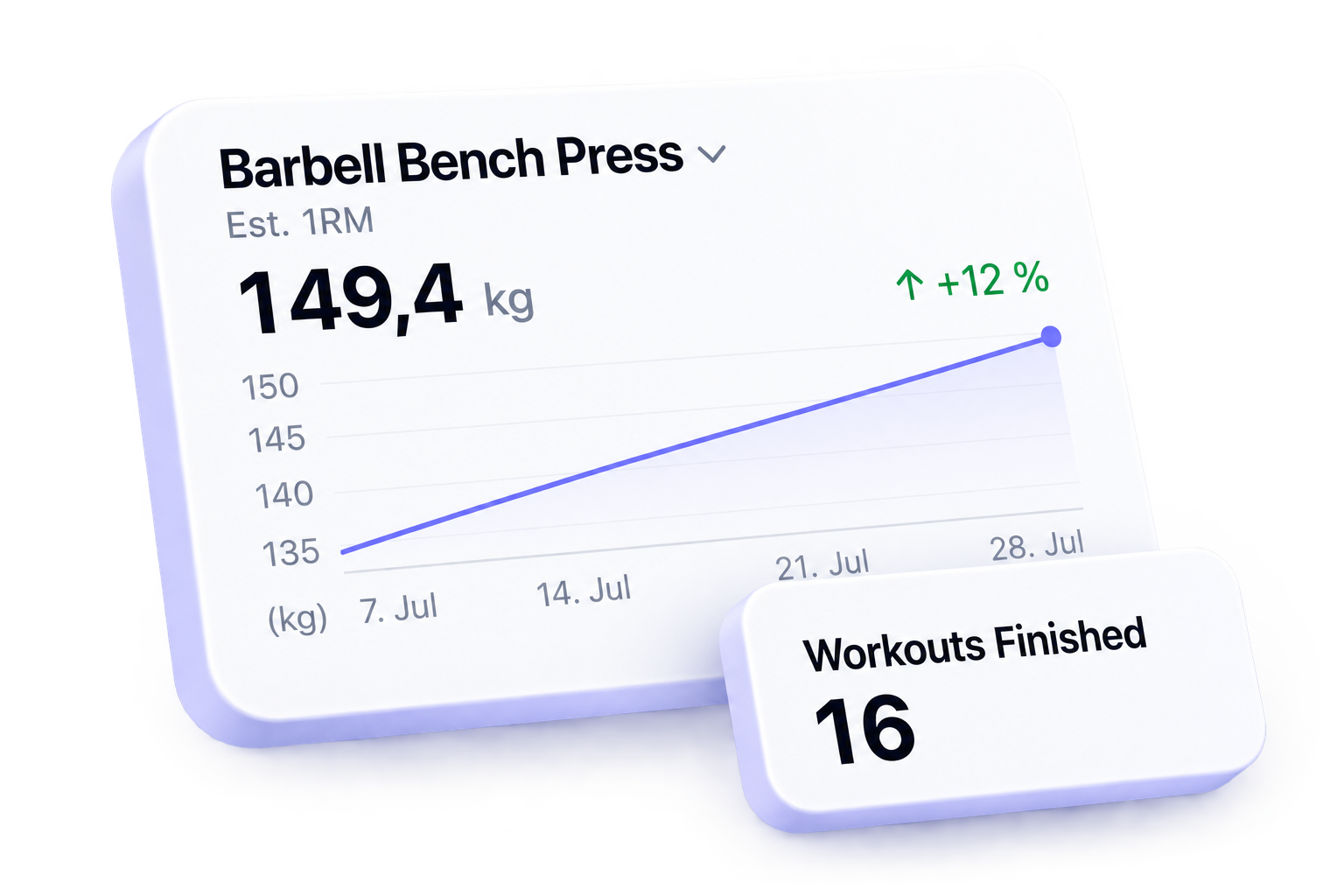
Illustrative exercise progress and workout totals.
You did the work.
Now see it
all together.
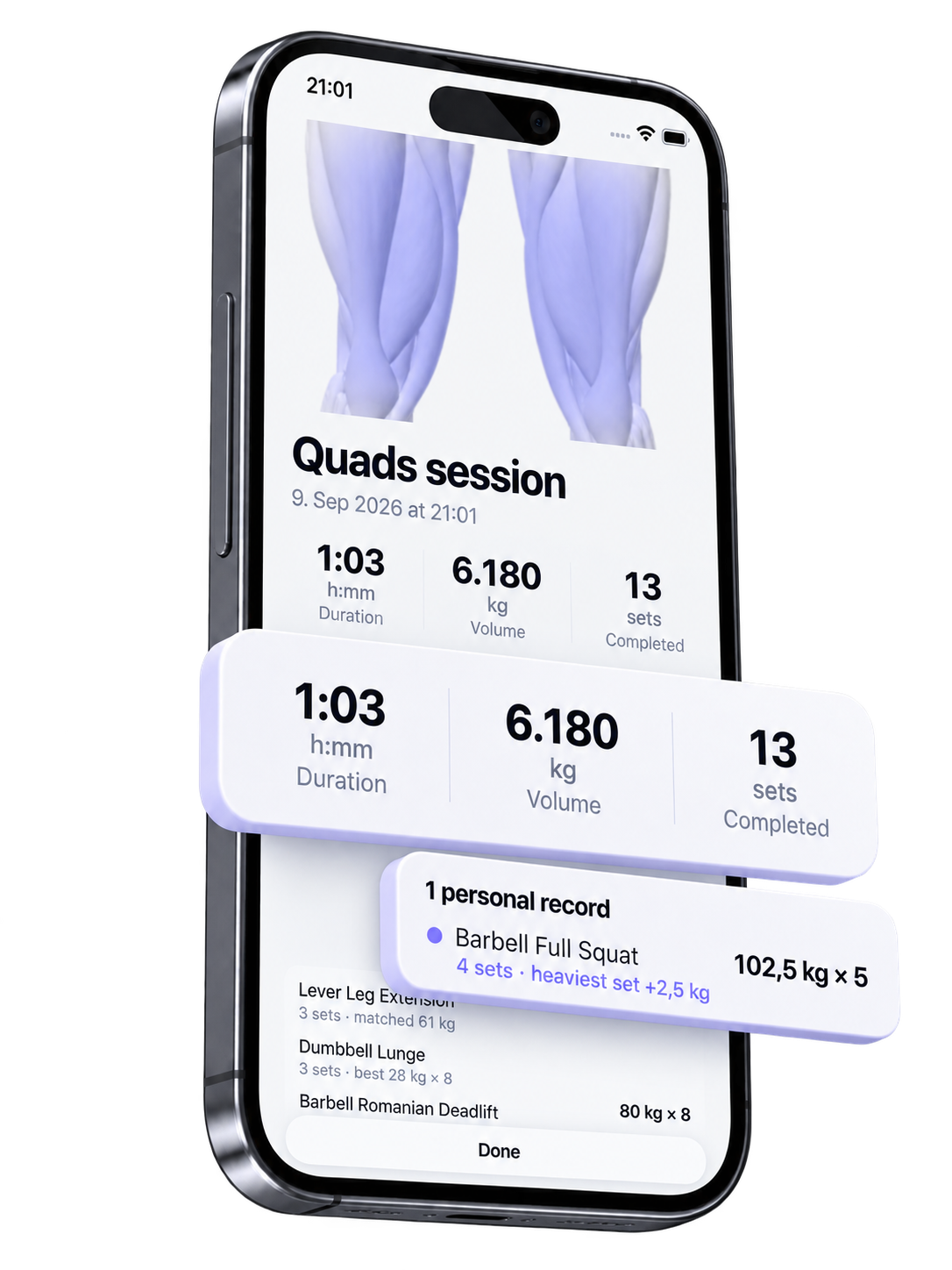
When the workout is finished, take a moment to look back. Session totals, exercise results, and personal records bring it together.
Example Quads session shown in the summary.
A little closer.
A lot less
to hold.
A companion concept for keeping your set, elapsed workout time, and rest on your wrist.
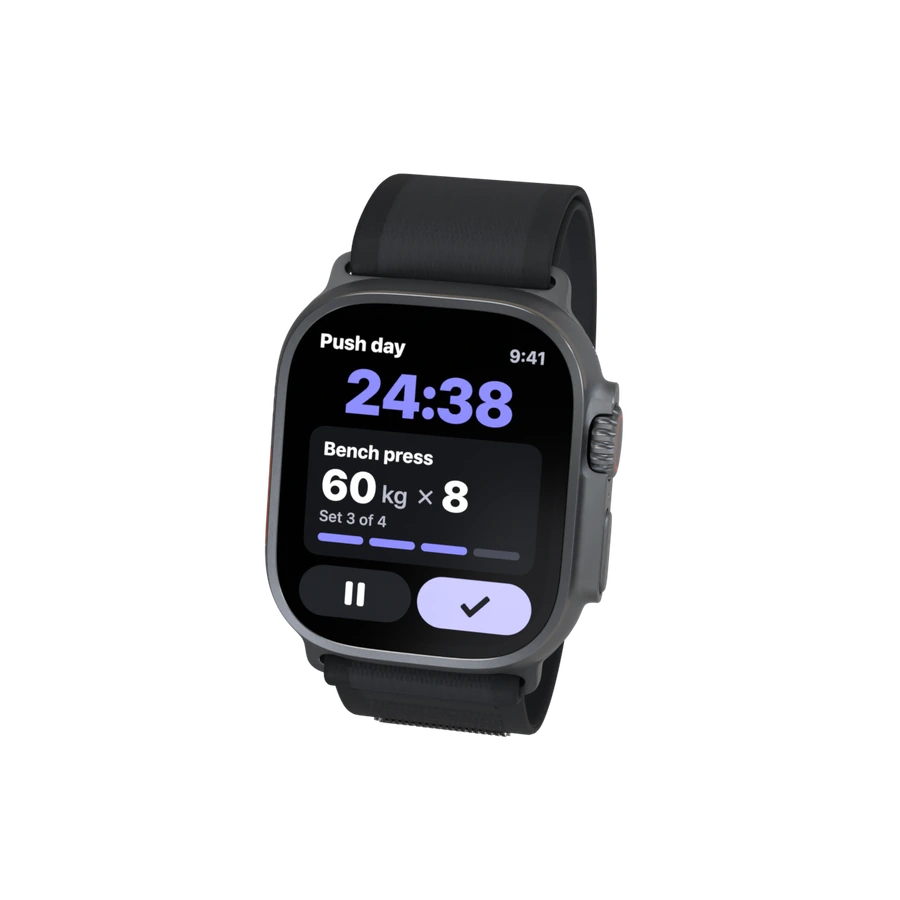
A closer look.
A few things about this preview.
Can I try the app screens here?
Yes. Open the app preview to explore Home, Plan, Train, Review, and Progress. These are screen previews; they don’t save a workout.
Are the numbers from one workout?
The screens use separate example sessions to show each part of the experience. The figures are illustrative, rather than one continuous workout.
What are the exercise illustrations?
This page features 16 selected exercise illustrations. Use the filters or search to explore them, then open any image at a larger size.
Is the watch experience available?
The watch section is a companion concept. It shows a possible direction for the experience and isn’t a release announcement.